Current coverage
Review the coverage shown on this page before requesting support.

Support
Review coverage before your next adventure.
Use the information on this page to prepare your next step. When a detail is not configured or does not match your order, contact Steadavo support before continuing.

Review the coverage shown on this page before requesting support.
Include the product name and order information.
Add photos or a short video when the issue is visible.
Wait for the team to confirm the next step.
Coverage
Enter the current covered components and conditions here.
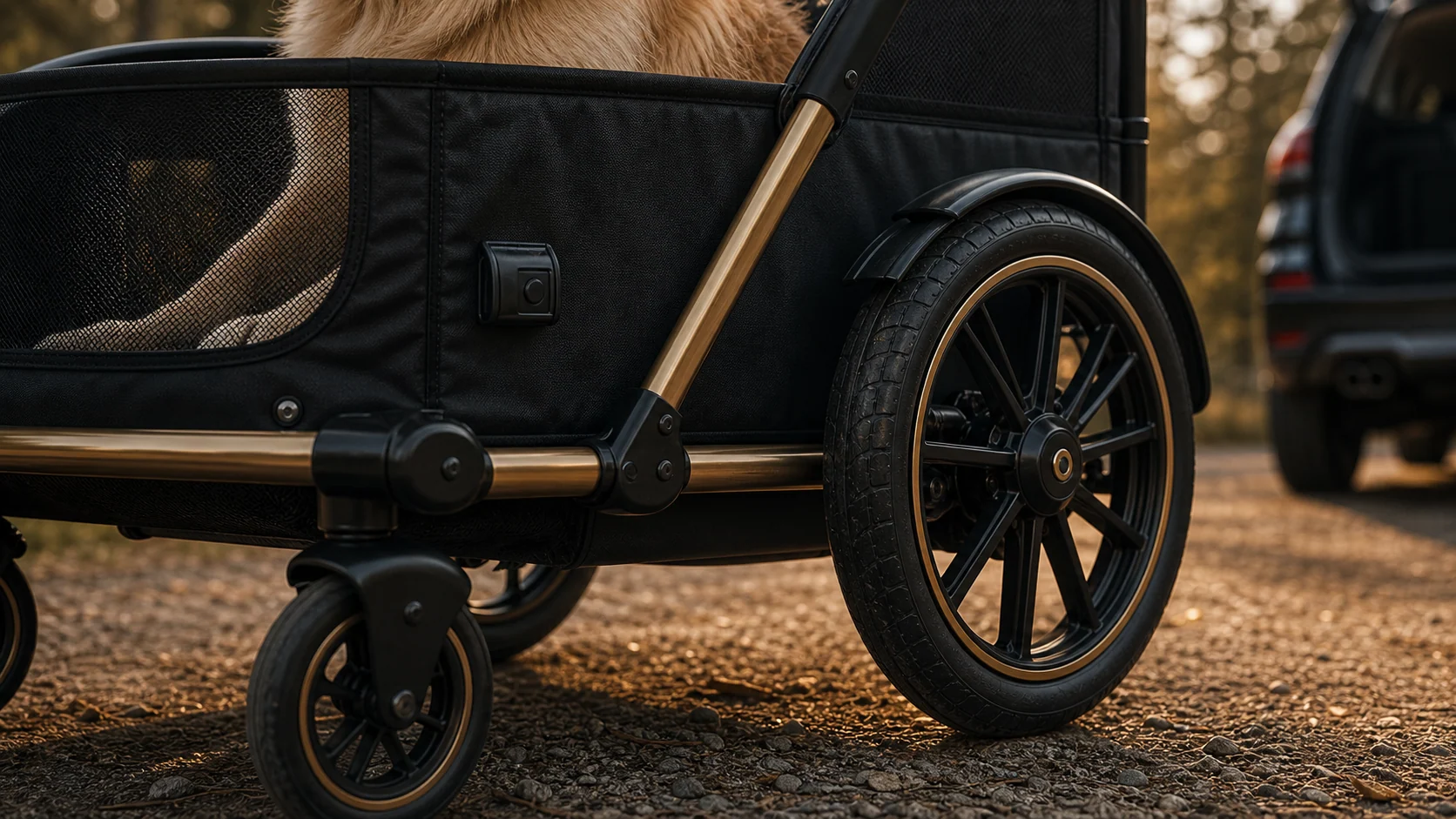
Coverage details are maintained in the current policy.

Check the product-specific policy before making a request.
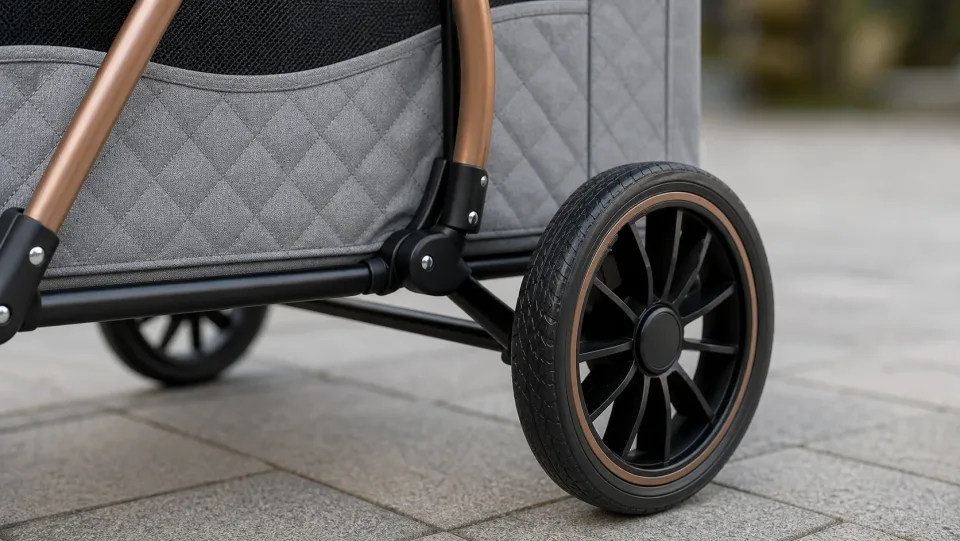
Share clear photos when the question concerns fabric or cabin parts.

Include the accessory name and order information.
Exclusions
Enter current exclusions here. Do not use this section to add an unverified promise.
Confirm the current policy before assuming an issue is excluded.
Use the product as described in the current product and policy information.
Ask support when normal wear and a product issue are difficult to distinguish.
Confirm whether appearance-only changes are addressed by the current policy.
Keep the order information and product details available for review.
Review the current policy or ask support before assuming coverage.
Support path
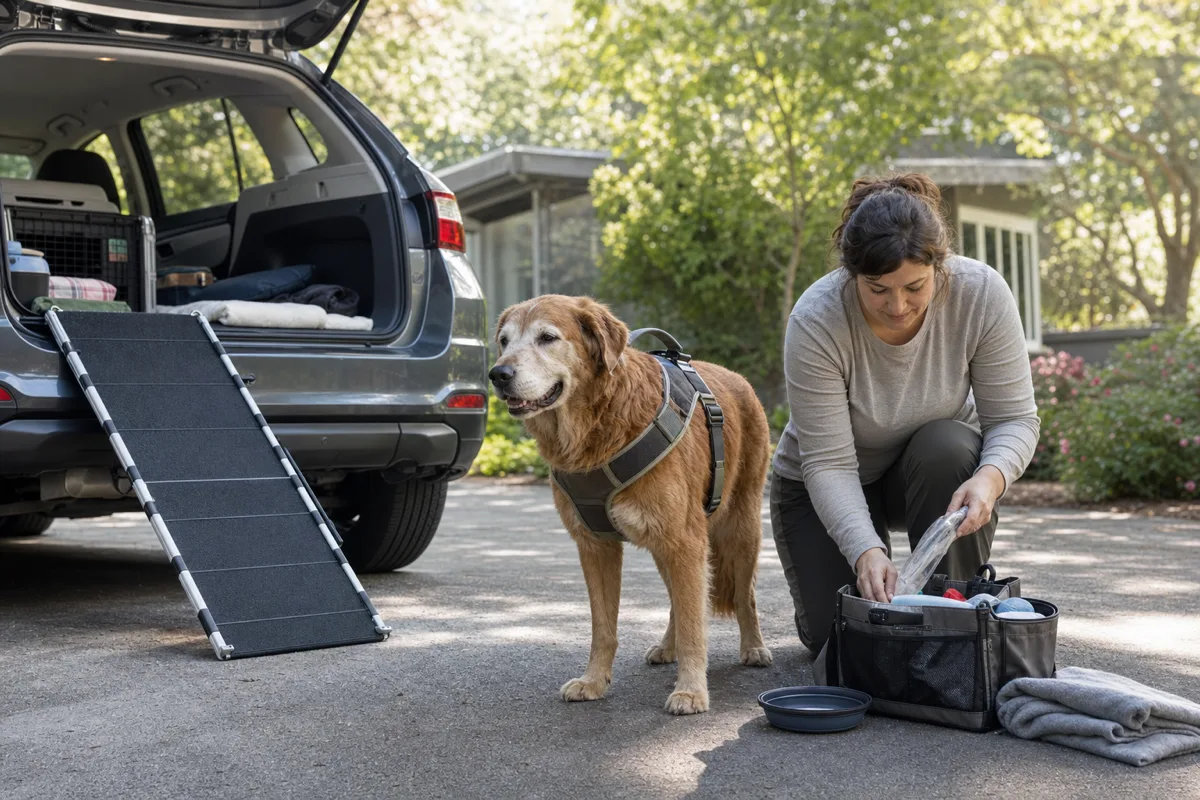
Send your order number, clear product photos, and a short description of what happened so the team can review the issue.
Keep the order number with your support request.
Show the full product and the specific issue.
Explain what changed and when it occurred.
The next step
Prepare the information requested below, then contact support when the next step is not clear.
Share the order details and a clear description.
Support reviews the information and current policy.
The team confirms the available resolution path.
Questions
Answers are maintained in the page settings and should reflect the current policy.
Use the support path and provide the order information requested.
Include the product name, order details, a short description, and clear photos when useful.
Do not assume coverage. Send the details to support for review.
Wait for support to confirm the current next step before sending anything.
Keep moving together
Contact support with the order context before sending anything back.
Explore Atlas